Unofficial Guide

ROSIM

Game by Ched • Guide by Pulse Racing

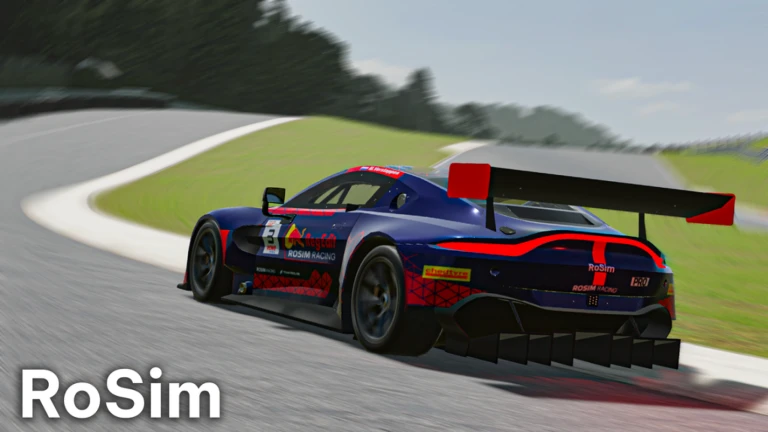
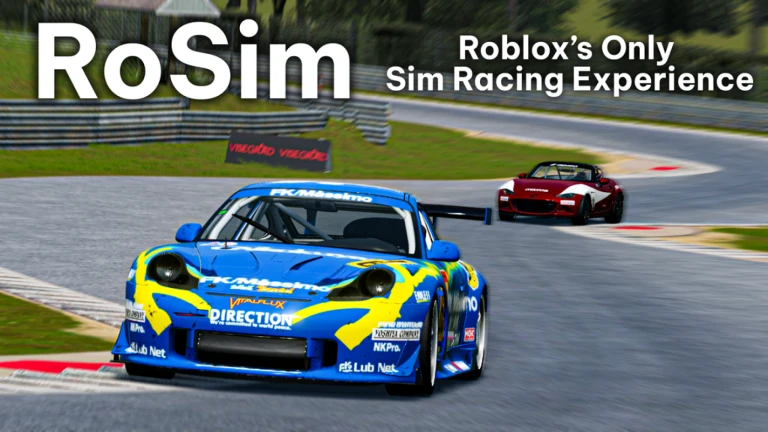
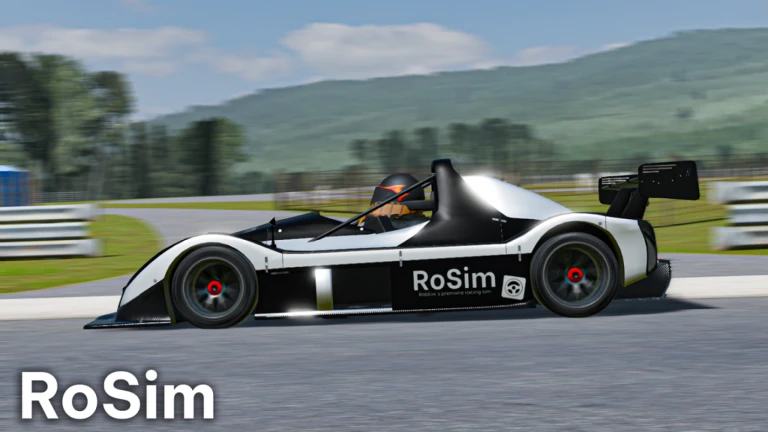
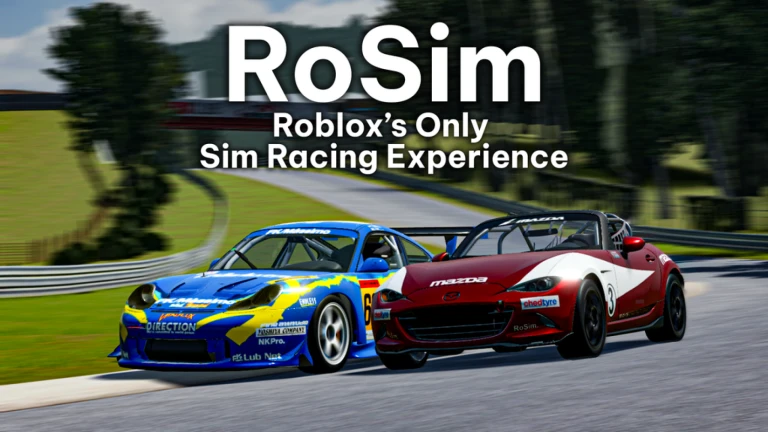
Roblox's first true simulation experience.
Cutting edge chassis tech with full wheel and force feedback support.

REAL FEEDBACK

Experience the track like never before on Roblox. RoSim connects seamlessly with professional sim racing hardware to deliver detailed Force Feedback directly from Roblox physics.

Powered by RoWheelBridge, developed by Ched.

Supported Hardware

Moza
Logitech
PXN
Fanatec
Thrustmaster

RoWheelBridge

Connect your DirectInput steering wheel to Roblox.

1

Download the latest release from GitHub.

2

Install ViGEmBus driver (required).

3

Run RoWheelBridge as Admin & Calibrate.

Download on GitHub

Usage Tutorial

FREQUENTLY ASKED

Find answers to common setup and troubleshooting questions

How do I get Force Feedback (FFB)?

Follow the video tutorial above or check these resources:

RoWheel Bridge Questions

Does my wheel work with it?
A majority of wheel models should work fine with RoWheel Bridge. So far a wide variety has been proven, from the cheapest Logitech & Thrustmaster models to higher-end gear like Fanatec & Moza.
Can I use an H-shifter?
No, currently only paddle/sequential shifting is supported.
How do I reset calibration?
In the same folder as RoWheel Bridge's .exe file, delete the calibration.json file.
Is this exclusive to RoSim or can I use it for my own games?
You can absolutely use this for your own games! Egg_Person0 developed an implementation for A-Chassis users.

Common Issues

Program closes as soon as I open it
Solution: Install ViGEm drivers. Download link is in the resources above.
Not detecting input when asked to calibrate
Solution: Make sure the device you're selecting in the device list DOES NOT HAVE 0 axes and 0 buttons.
Works in program & Roblox, but no force feedback
Solution: Make sure haptics are enabled in Roblox settings, as the adapter relies on this feature.
Works in program, doesn't work in Roblox
Solution: Repair ViGEm drivers.
"Access denied" error
Solution: Run the program as an administrator. If the issue persists, try exiting Logitech software or whatever wheel manager software your wheel uses. This issue has only been reported by Logitech users.